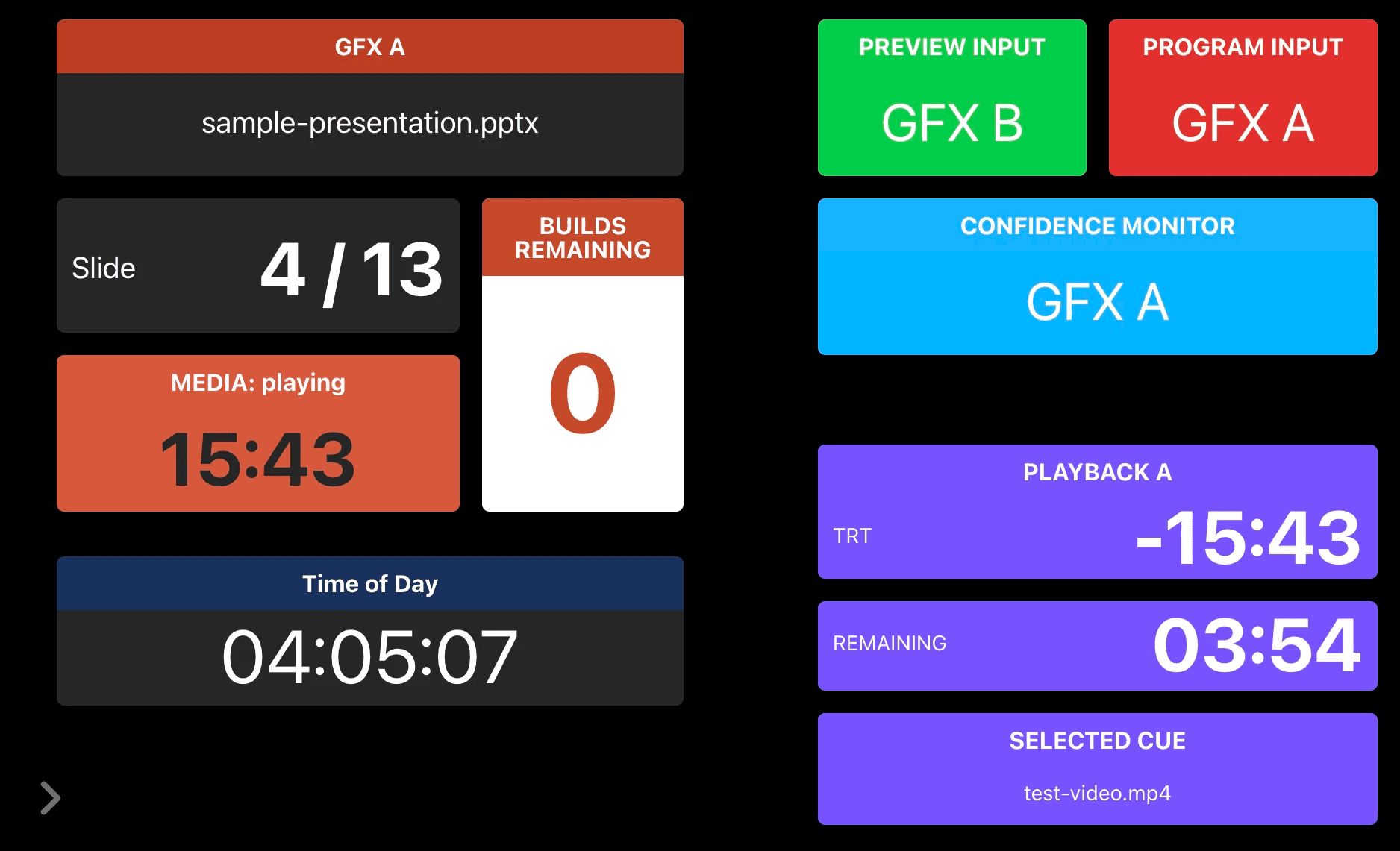

Expression variables are a more recent addition, that are custom variables whose values are determined by an expression rather than a value that needs to be set by a button, trigger, etc.
Expression variables obviously become helpful all over with Companion Dashboard, as they can be used to quickly format data from Companion for display in Dashboard. One of the more interesting use cases is with background overlays, which allows for progress bars, audio meters, etc.
Expression Variables require a fairly recent version of Companion.
Background Overlays require Companion Dashboard v1.4.0 or newer.
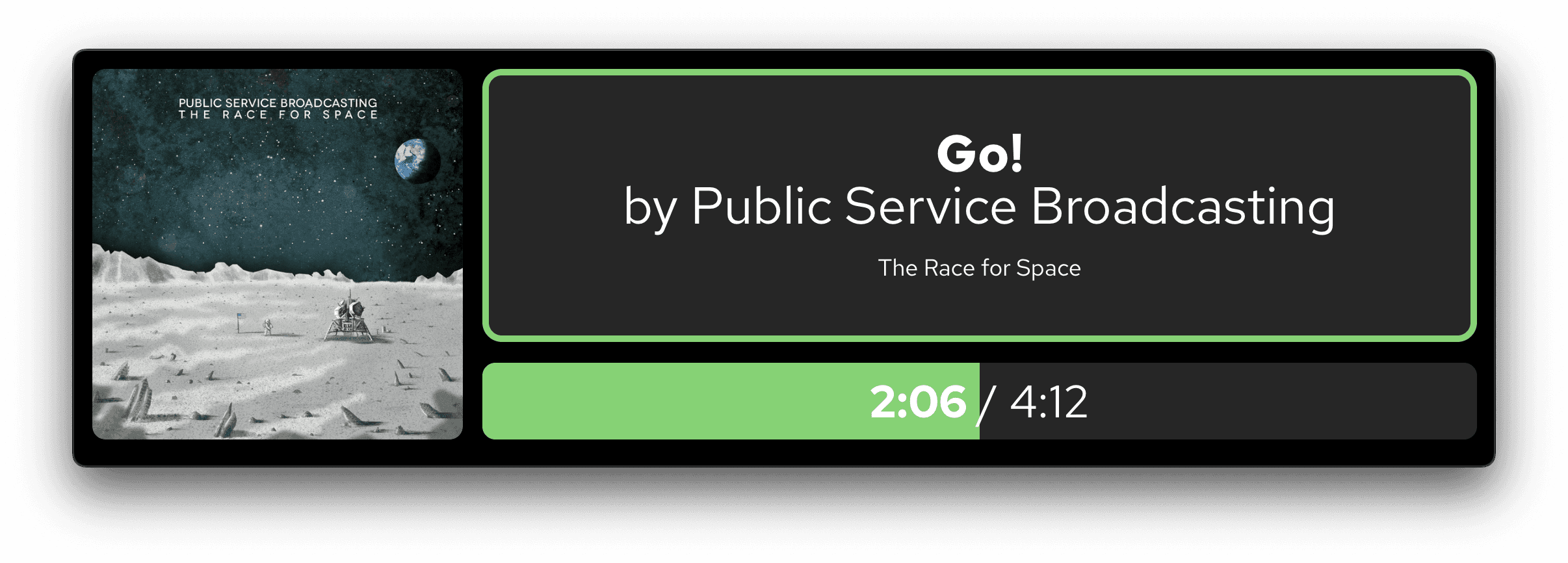
To achieve this effect, first create an expression variable, in my case I called it elapsed. In this case, I'm using Media Control Bridge with Spotify.
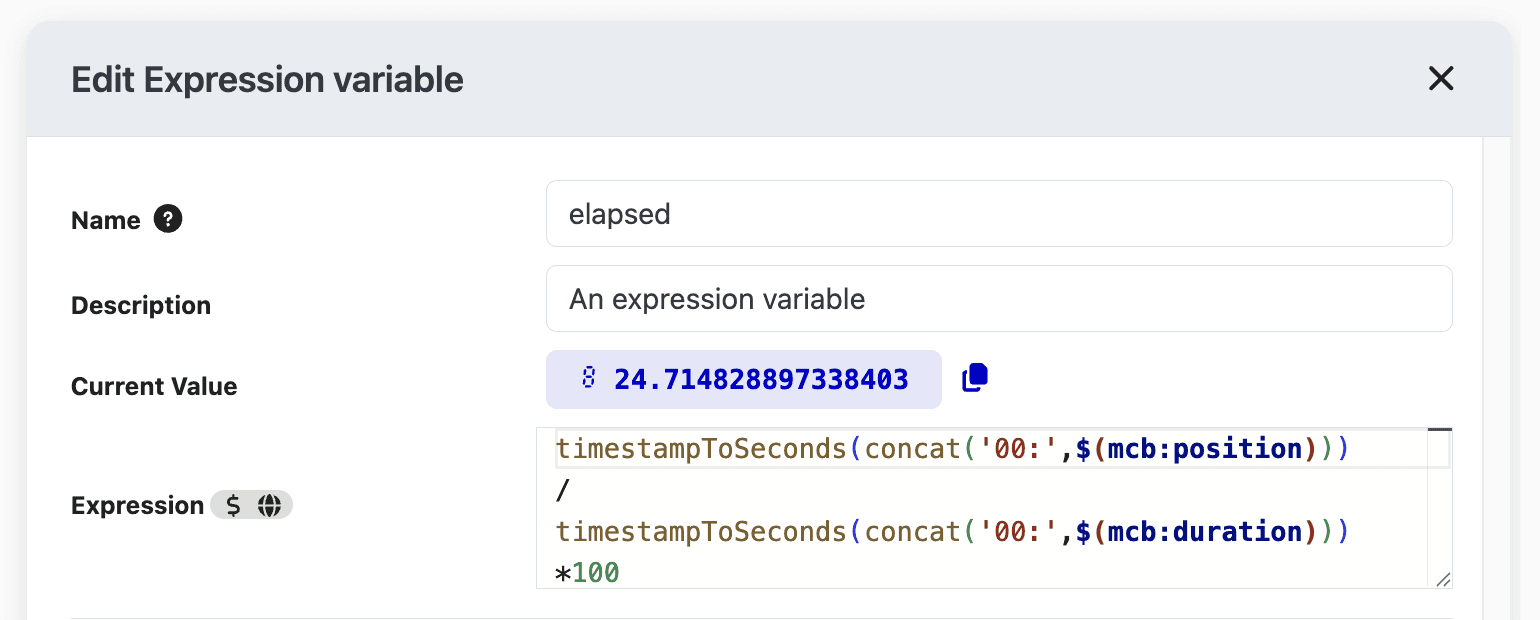
timestampToSeconds(concat('00:',$(mcb:position)))
The built-in Companion expression timestampToSeconds() expects HH:MM:SS and MCB outputs the timecode not necessarily including HH. Knowing I'll be using this for music which probably won't ever get to hours, I added a concat() to add 00: to the front of the $(mcb:position) variable, which is outputting the current timecode of the song.
/
We're dividing between where we currently are by where we will end up, in seconds.
timestampToSeconds(concat('00:',$(mcb:duration)))
Same deal as position, except this uses the duration variable from MCB which is how long the media is.
*100
The math before this ends up with how much of our current position takes up as a percentage of the total duration, except it's in decimal format so we need to multiply by 100.
Now in Companion Dashboard the settings for the box we want to use as our progress bar, we head to Background and find the Overlay section.
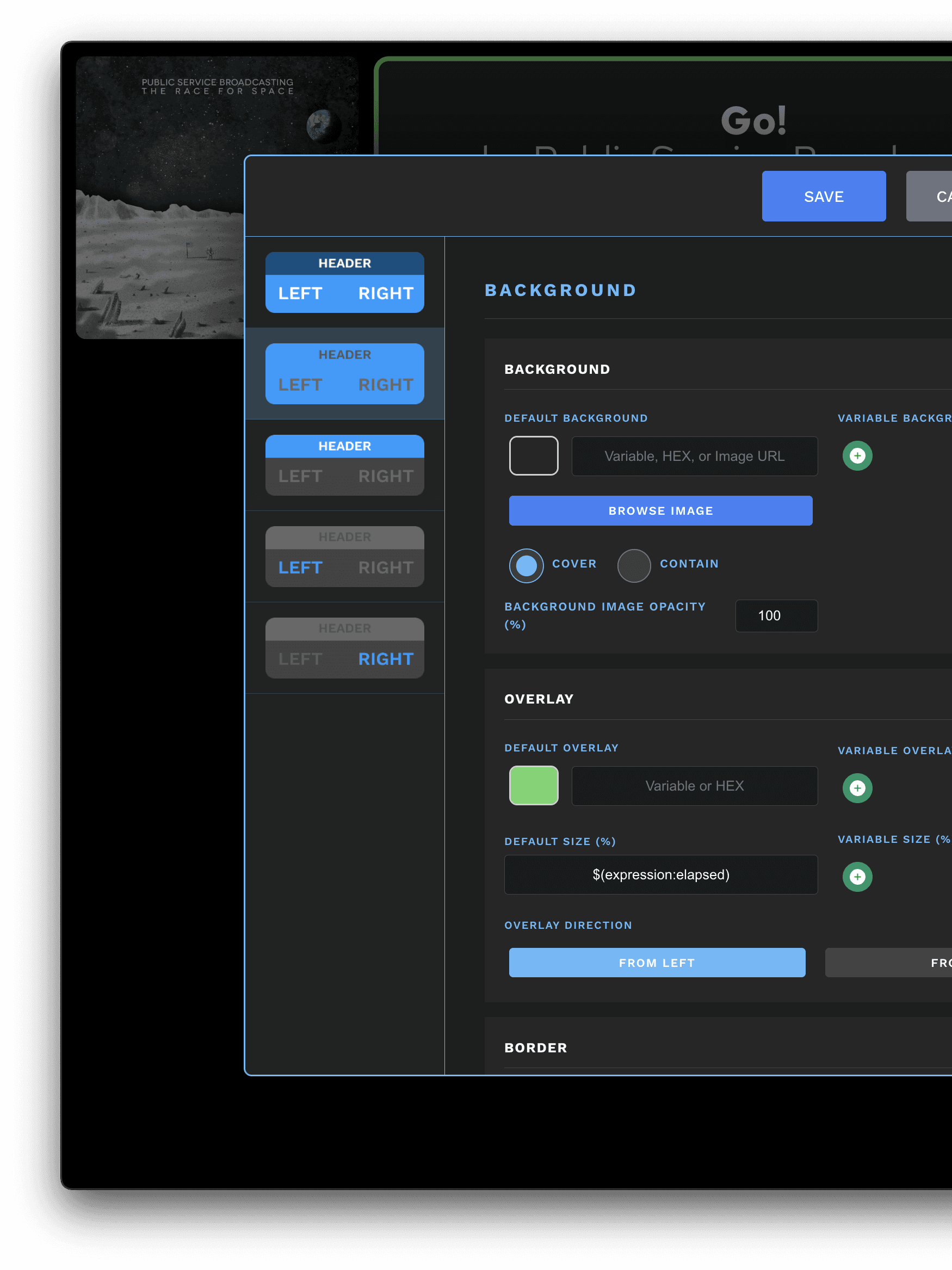
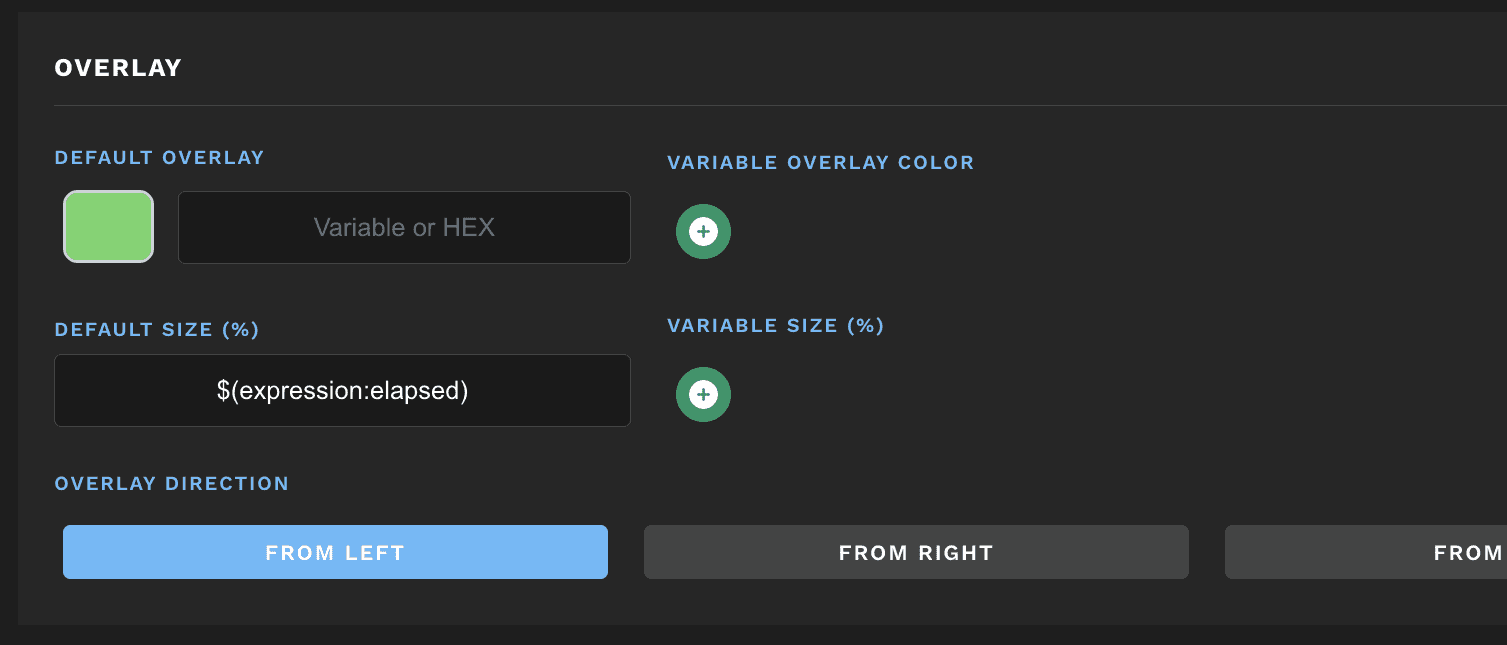
By adding our expression variable $(expression:elapse) to the default size field, Dashboard will use that variable to determine the size of the overlay, and if we use the Overlay Direction of from left the overlay will grow from left to right like a progress bar.
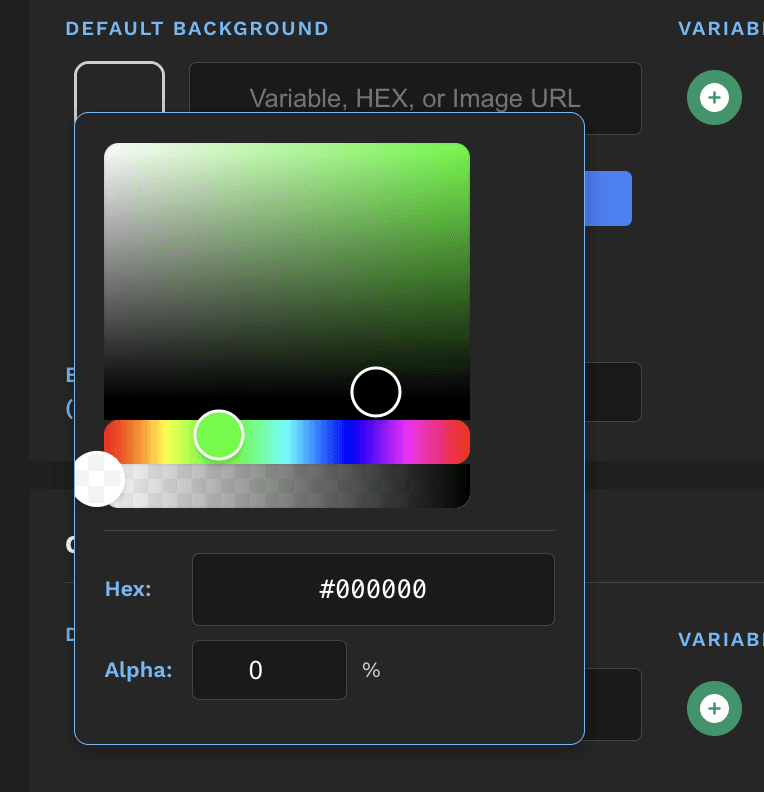
Not seeing anything? By default the overlay color is black with 0% opacity! Be sure to pick a color and give it some opacity. Remember this is an overlay, so anything less than 100% opacity will show the background image/color.
I am not directly connected to Bitfocus or the Companion project. I am simply sharing a tool I made for myself that connects to the Companion API.
Data for Dashboard is polled from Companion at a certain rate, and in turn Companion is polling connected modules at a certain rate. Because of this, data displayed in Dashboard may be delayed. The original source/device should be used for the most accurate timing.
Any comments, questions, suggestions, or bug reports can be sent to tom@tomhillmeyer.com.